
RFdiffusion3 on the cluster
RFdiffusion3 (RFD3) is an all-atom biomolecular diffusion design model. It supports designs constrained by structures, sequences, and ligands, including protein binders, protein–nucleic-acid interfaces, small-molecule binders, enzymes, symmetric assemblies, and partially fixed designs. The CHESS application submits GPU jobs from JSON configurations and referenced PDB/CIF files.
References: official repository, input specification, and examples.
Prepare inputs
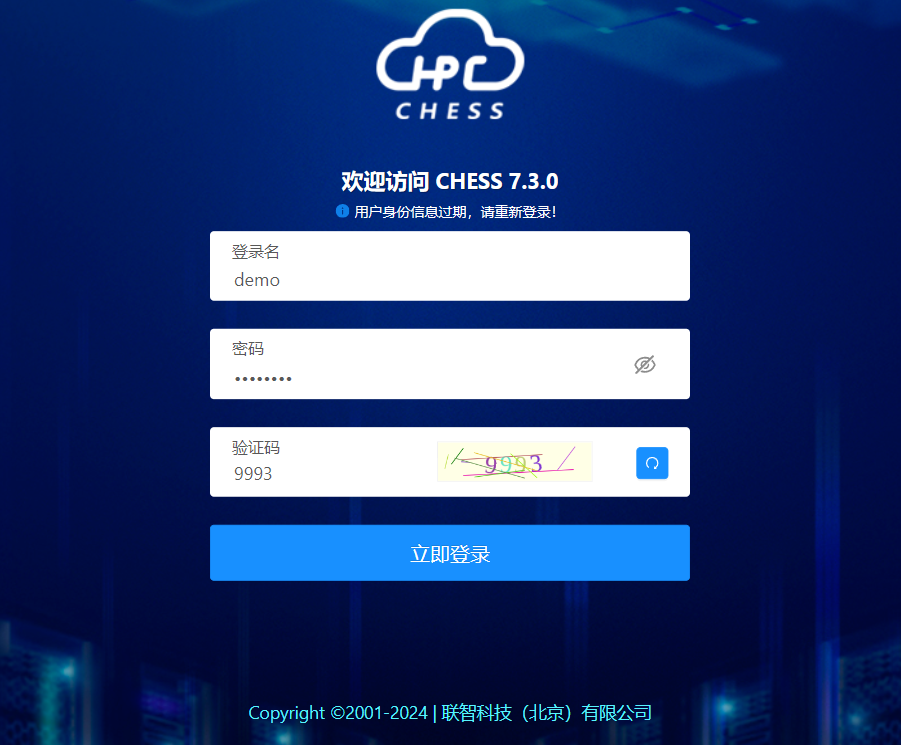
Sign in to CHESS:
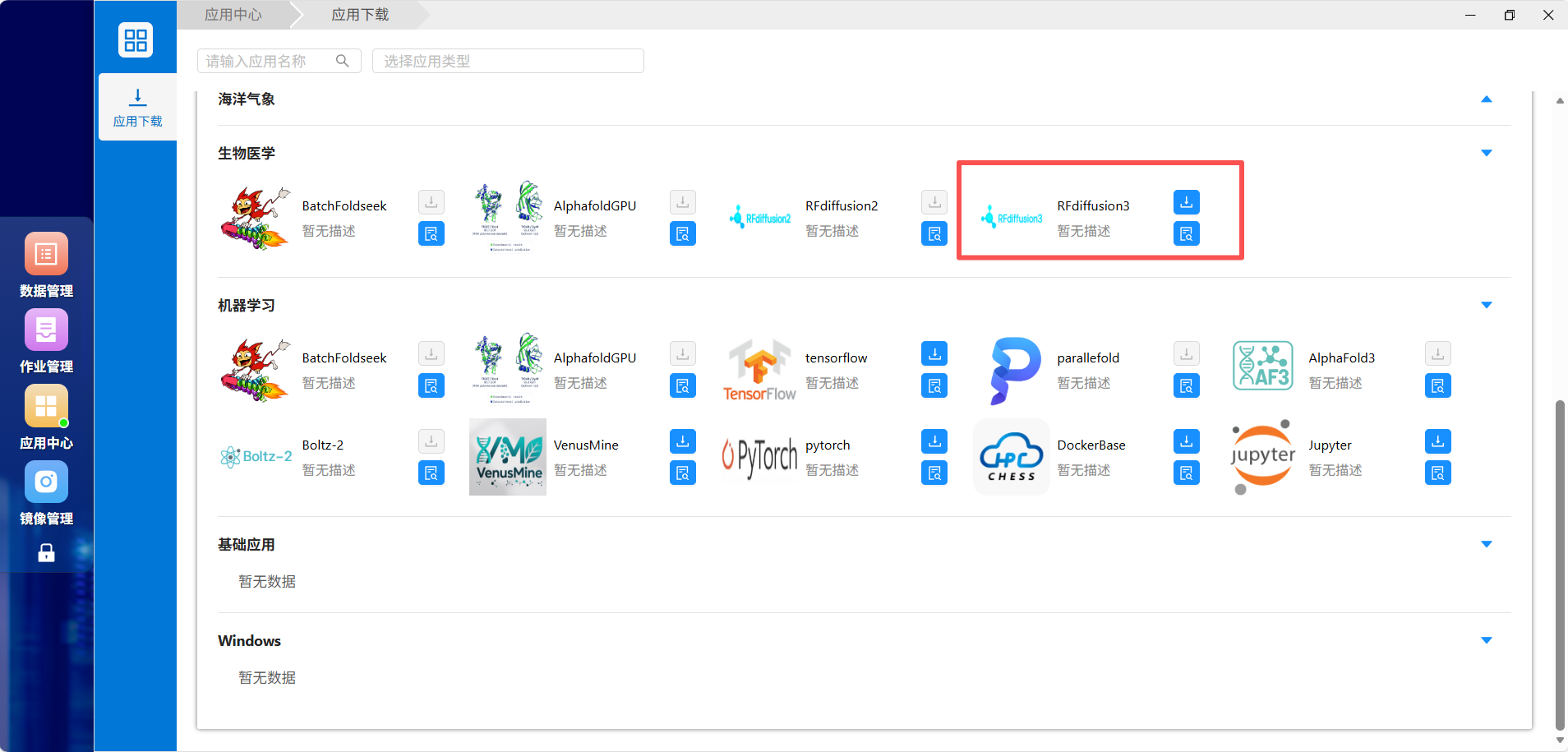
Open Application Center (应用中心):

Create input and output directories (用户名 means your username):
/hpcfs/fhome/用户名/rfdiffusion3/input/
/hpcfs/fhome/用户名/rfdiffusion3/output/Upload JSON and referenced structures. Ensure readable inputs and writable outputs. Example JSON syntax:
{
  "spec-1": {
    "input": "/hpcfs/fhome/用户名/rfdiffusion3/input/example.pdb",
    "contig": "50-80,/0,A1-100",
    "select_unfixed_sequence": "A20-35",
    "ligand": "HAX,OAA"
  }
}| Field | Meaning |
|---|---|
spec-1 | Design name; multiple top-level designs are allowed |
input | Full cluster path to a PDB/CIF structure |
contig | Generated segments, fixed structural segments, and chain relationships |
select_unfixed_sequence | Input residues whose sequence may change |
ligand | Comma-separated ligand residue names from the input structure |
Replace paths, residue numbers, and ligands with values actually present in your inputs. Consult the official examples for your design type. Standard JSON does not permit comments or trailing commas; validate syntax before submission.
Submit
Find RFdiffusion3 in Application Download (应用下载) and add it to the desktop:
Open it and choose Submit (提交). Enter a descriptive job name, uploaded JSON file, and result directory:
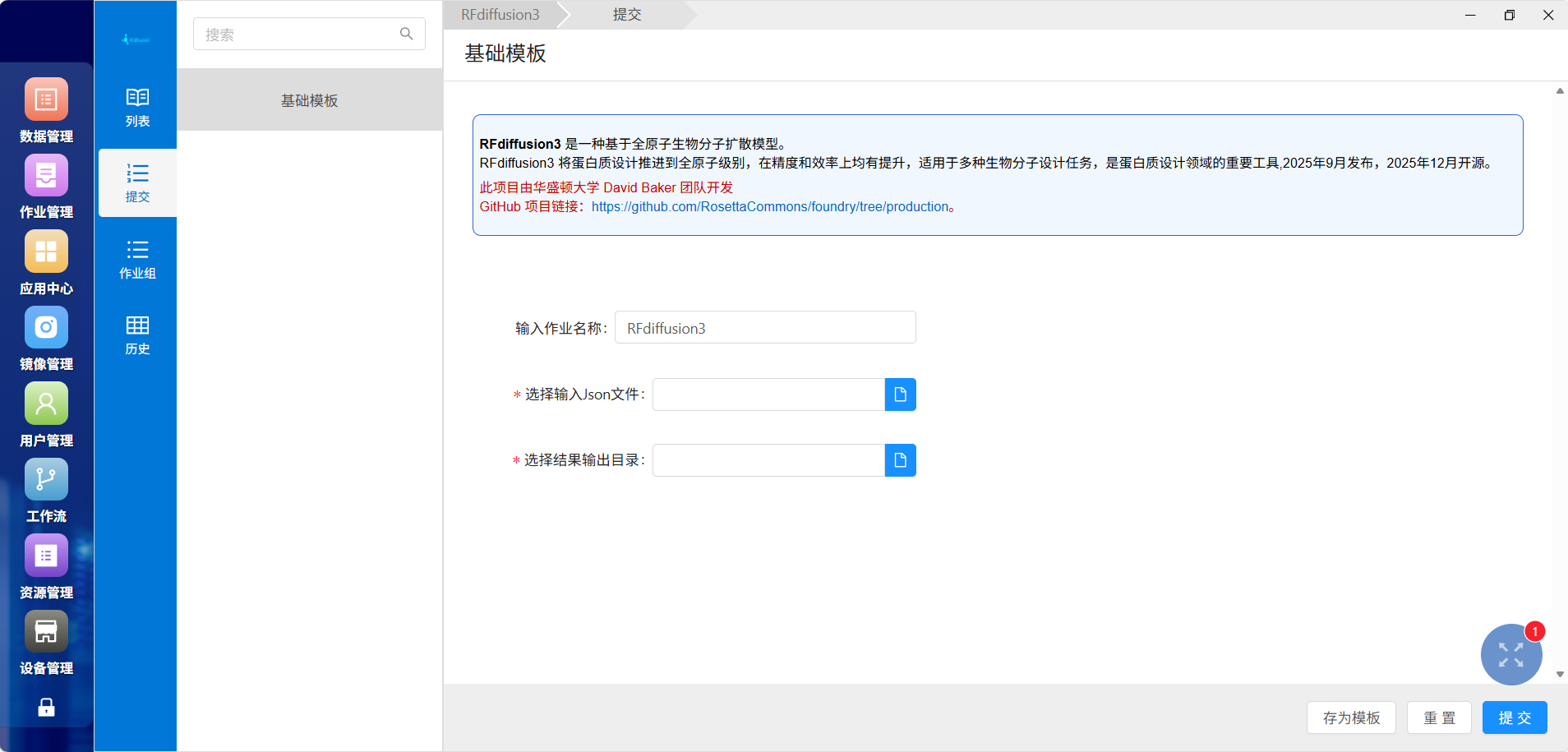
The documented template requests one GPU on qgpu_3090. Busy resources can cause queuing.
Monitor
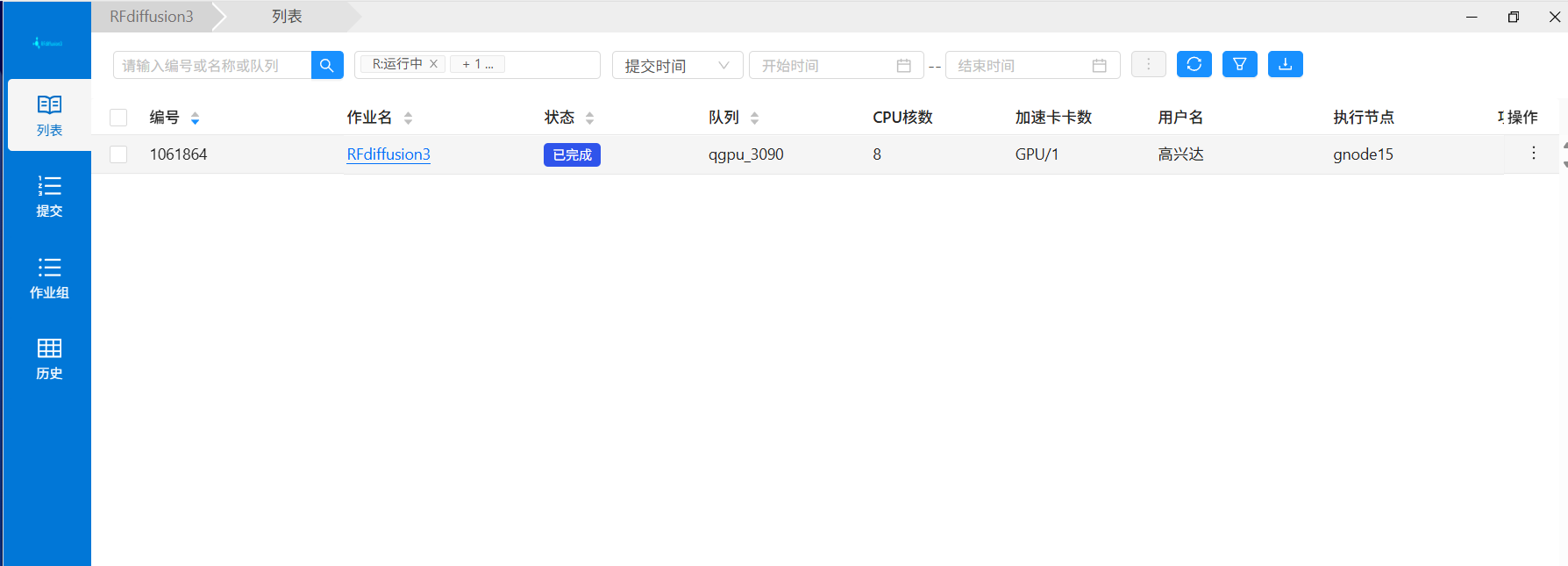
Open List (列表) for the job ID, state, resources, and node:
Job details provide Output (输出), Data (数据), Input (输入), Details (详情), and Performance (性能):
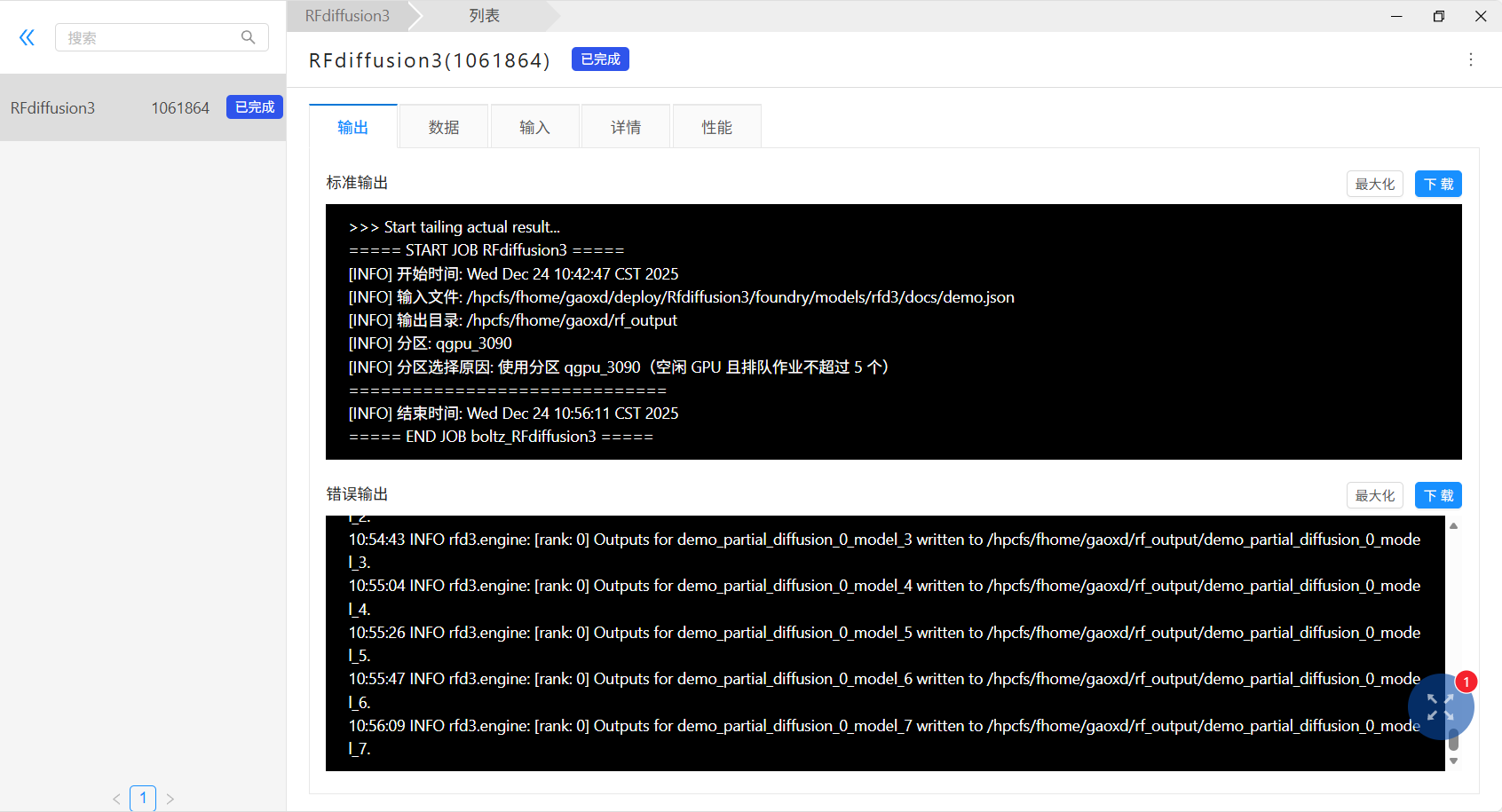
Use the logged start/end times and input/output paths to confirm execution. The error-output pane can also contain normal program logs; judge success from job state and actual results, not the pane's name alone.
Demonstration:

Results
Outputs are organized by input filename, design name, batch, and model number. Each design normally produces a compressed structure (.cif.gz) and JSON configuration/result information. The original filename pattern is:
输入文件名_配置名_批次号_model_模型号.cif.gz
输入文件名_配置名_批次号_model_模型号.jsonHere the Chinese terms stand for input filename, configuration name, batch number, and model number. Example:
demo_partial_diffusion_0_model_0.cif.gz
demo_partial_diffusion_0_model_0.jsonDownload via CHESS or inspect files on the cluster:
cd /hpcfs/fhome/用户名/rfdiffusion3/output
find . -maxdepth 2 -type f | sortDecompress .cif.gz files and view them in a structural viewer such as PyMOL or ChimeraX.
Troubleshooting
Validate JSON quotes, commas, and brackets, and remove comments. Use full cluster paths for PDB/CIF inputs and check read permission. Match chain IDs, residue numbers, and ligand names exactly. Avoid duplicate submissions while waiting. If a completed job has no visible results, check its submitted output path and logs for actual model paths. Use separate directories for separate runs:
/hpcfs/fhome/用户名/rfdiffusion3/output/20260907_test/