
MATLAB on the cluster
Use the CHESS graphical interface for interactive analysis, plotting, and debugging, or Slurm batch jobs for long and repeatable calculations.
Licenses and resources
Use platform-authorized MATLAB versions and toolboxes. Request compute resources through CHESS or Slurm rather than running production calculations on login nodes.
Graphical sessions through CHESS
Sign in to CHESS. Add MATLAB from Application Center (应用中心) if its icon is missing.
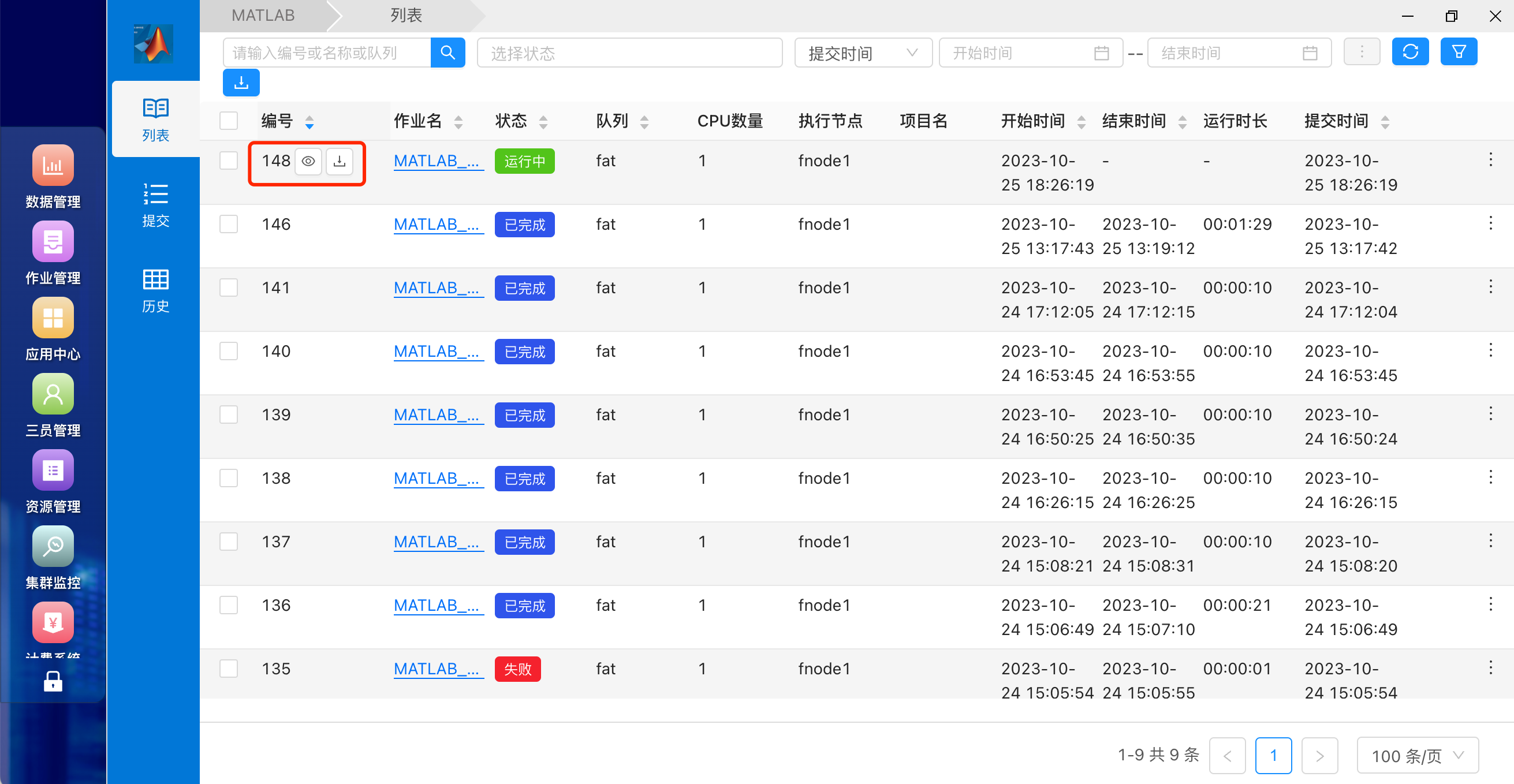
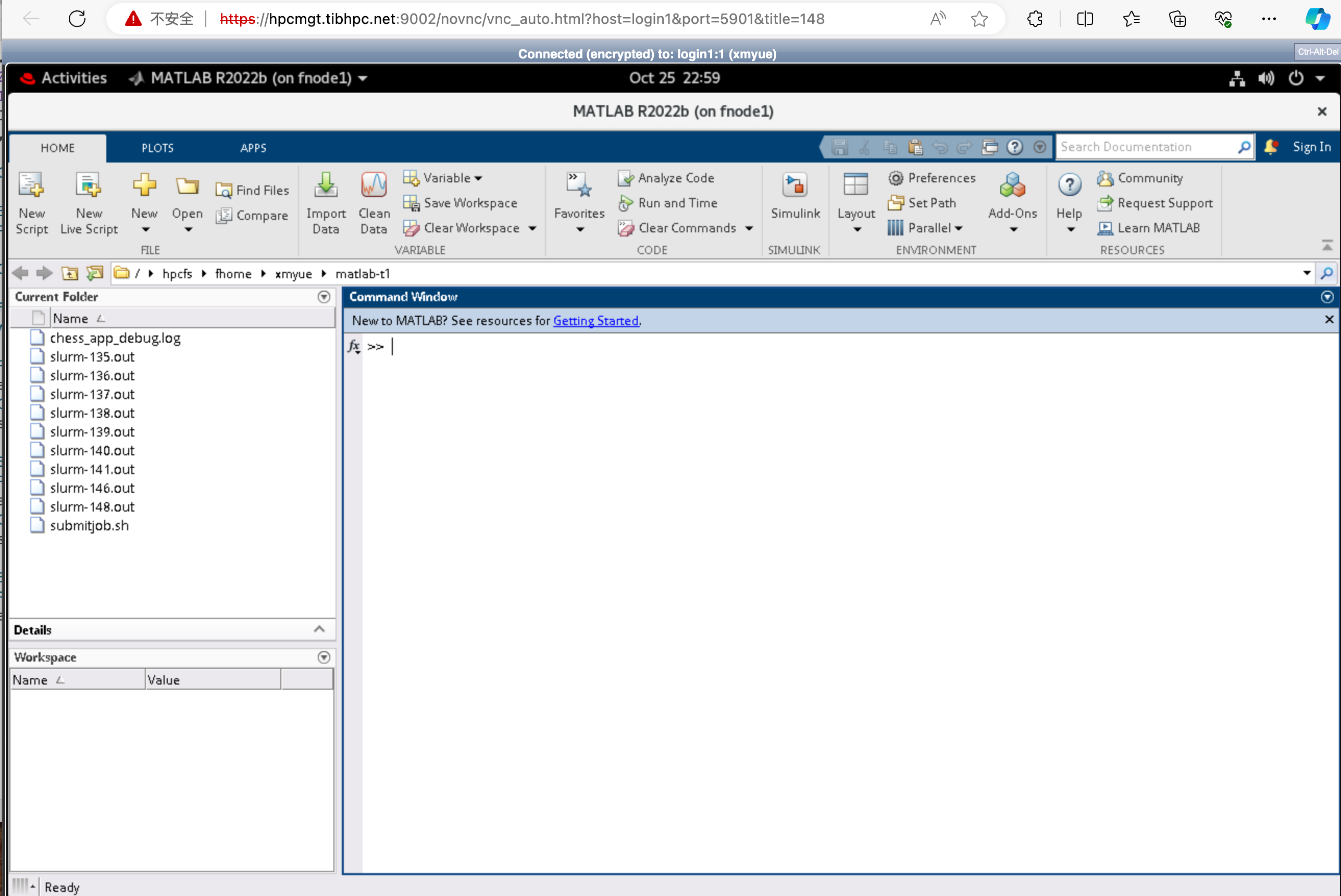
For an existing running job, click View (查看) in the job list to open its graphical session:
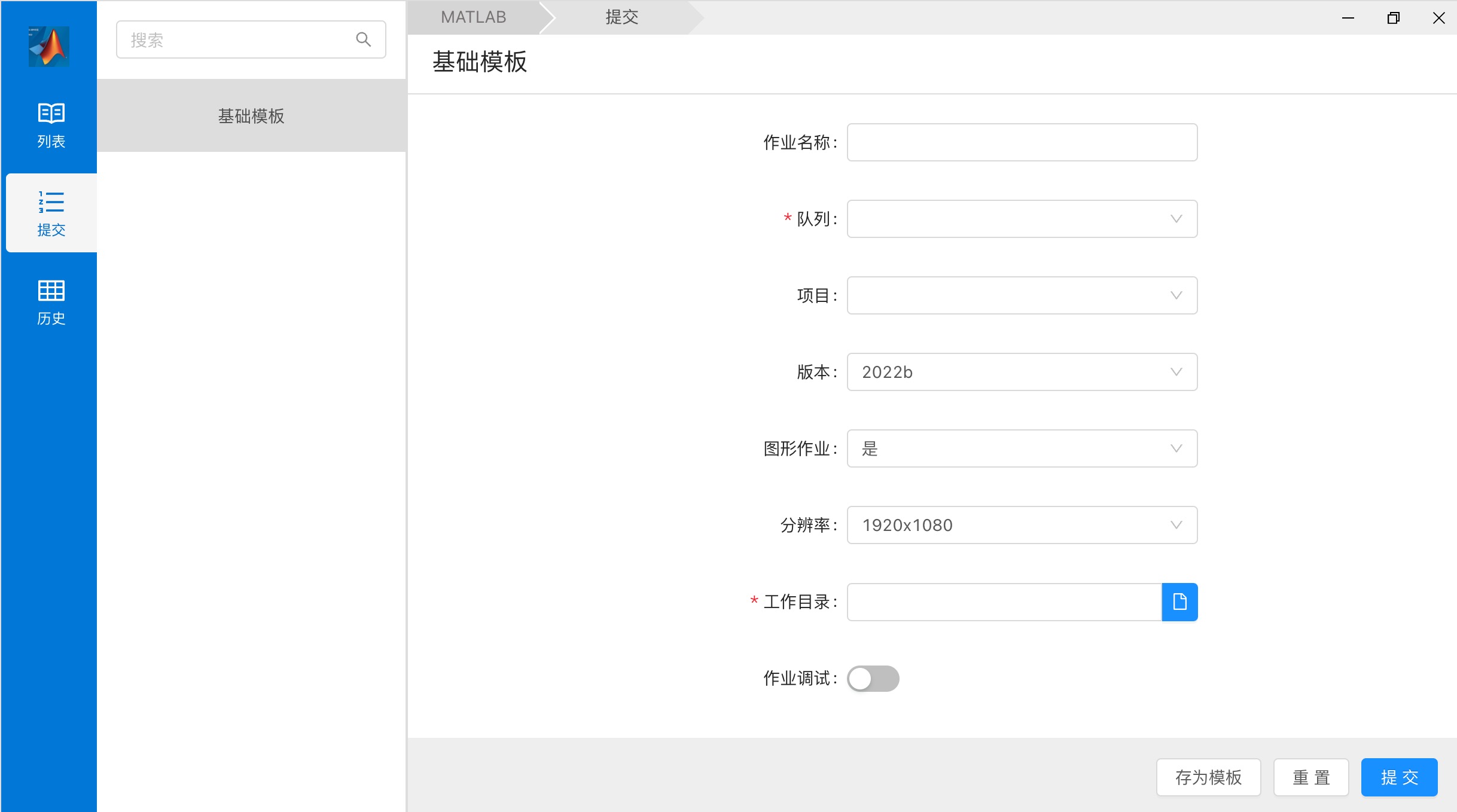
To create a job, open MATLAB's submission page, enter a job name, partition, billing project, and available MATLAB version. Enable the graphical option and choose a resolution if needed. Set a persistent personal or project working directory, submit, and wait for the job to run.
Open the session using View:
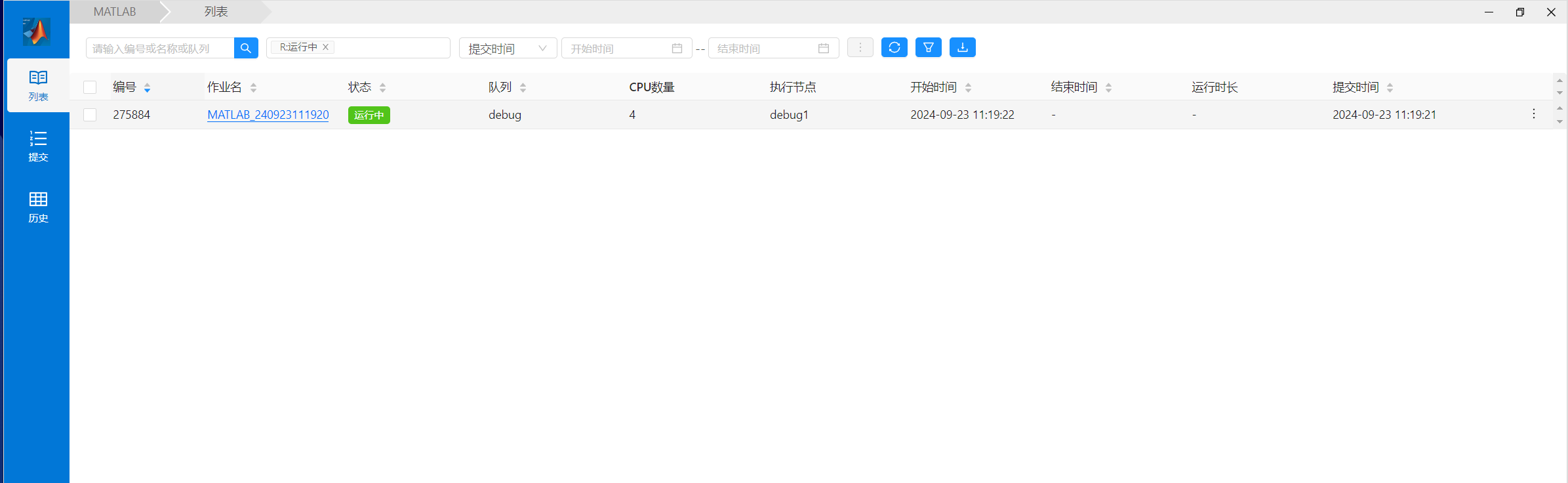
Demonstration:

Save your code and results, exit MATLAB, and confirm that the job has ended. Closing a browser tab may leave the job running.
Batch jobs
Check available modules:
module avail matlabLoad an available version and test it on allocated resources:
module load matlab/2022b
matlab -batch "disp(version); disp(2+2)"Module names may change; use the actual output of module avail matlab.
Create a working directory:
mkdir -p ~/matlab-work
cd ~/matlab-workSave analysis.m:
rng(1);
A = rand(2000);
b = rand(2000, 1);
x = A \ b;

save('result.mat', 'x', '-v7.3');
fprintf('Completed at %s\n', datetime('now'));Save matlab_job.sh, adapting the partition and module version:
#!/bin/bash
#SBATCH --job-name=matlab-batch
#SBATCH --partition=qcpu_18i
#SBATCH --nodes=1
#SBATCH --ntasks=1
#SBATCH --cpus-per-task=8
#SBATCH --mem=16G
#SBATCH --time=02:00:00
#SBATCH --output=matlab_%j.out
#SBATCH --error=matlab_%j.err

set -euo pipefail

module purge
module load matlab/2022b

cd "$HOME/matlab-work"
export OMP_NUM_THREADS="${SLURM_CPUS_PER_TASK}"

matlab -batch "run('analysis.m')"Submit and inspect the job; replace <作业ID> with its numeric job ID (without angle brackets):
sbatch matlab_job.sh
squeue -u "$USER"
sacct -j <作业ID> --format=JobID,State,Elapsed,AllocCPUS,MaxRSSThe example writes result.mat. Standard output and errors go to matlab_<job-ID>.out and matlab_<job-ID>.err.
Single-node parallel computing
With Parallel Computing Toolbox, start a local pool sized to your allocated CPUs:
workers = str2double(getenv('SLURM_CPUS_PER_TASK'));
if isnan(workers) || workers < 1
    workers = 1;
end

pool = parpool('local', workers);
results = zeros(1, workers);

parfor i = 1:workers
    results(i) = sum(rand(1, 1e6));
end

save('parallel_result.mat', 'results');
delete(pool);Do not exceed --cpus-per-task. Multi-node parallel MATLAB additionally requires MATLAB Parallel Server, appropriate licenses, and cluster configuration; consult the administrator.
Troubleshooting
- License unavailable: retry later or report the error, MATLAB version, and required toolbox to the administrator.
- Blank or disconnected GUI: verify the job is still running, then reconnect. Unsaved changes may be lost.
- Immediate job failure: inspect the error log, module, working directory, script path, and permissions:
cat matlab_<作业ID>.err
ls -ld "$HOME/matlab-work"
module avail matlab- No parallel speedup: confirm use of
parfor,parfeval, or other parallel features and the intended worker count. Startup overhead can dominate small tasks.
Use persistent project directories for inputs, scripts, logs, and results. Test small inputs first and size memory requests according to observed peak use.