
tmux terminal sessions
tmux provides multiple sessions, windows, and panes within SSH and can preserve remote terminal sessions after a local disconnect. It is useful for editing, compilation, job submission, and log monitoring. Start it on the node where the work belongs, after obtaining any required compute allocation.
Allocations still apply
A tmux session does not override Slurm time limits or resource rules. The node must remain available and the session must not be cleaned up.
Commands
| Command | Action |
|---|---|
tmux | Start a default session |
tmux new -s NAME | Create a named session |
tmux ls | List sessions |
tmux attach -t NAME | Reattach by name or ID |
tmux a -t NAME | Short form of attach |
tmux detach | Detach |
tmux rename-session -t OLD NEW | Rename |
tmux kill-session -t NAME | End a session |
Shortcuts
Press Ctrl+b, release it, then press the second key.
| Second key | Action |
|---|---|
d | Detach |
% | Split left/right |
" | Split top/bottom |
| Arrow key | Move between panes |
c | New window |
n / p | Next / previous window |
0–9 | Select window number |
w | Choose from window list |
, | Rename current window |
& | Close current window |
x | Close current pane |
Basic workflow
Start a default or named session:
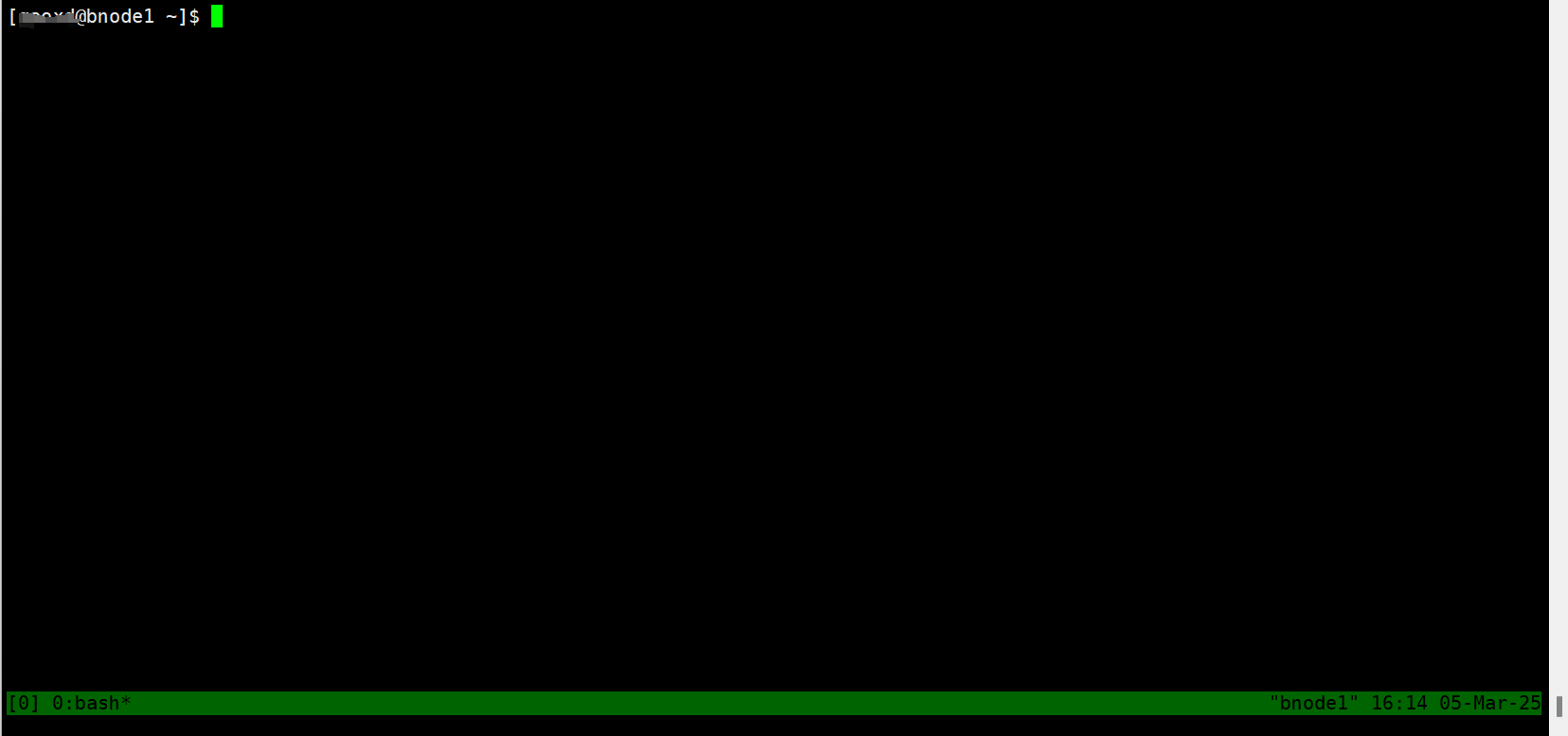
tmuxtmux new -s workA status bar appears at the bottom:
Split into panes:
tmux split-window      # Split top/bottom
tmux split-window -h   # Split left/right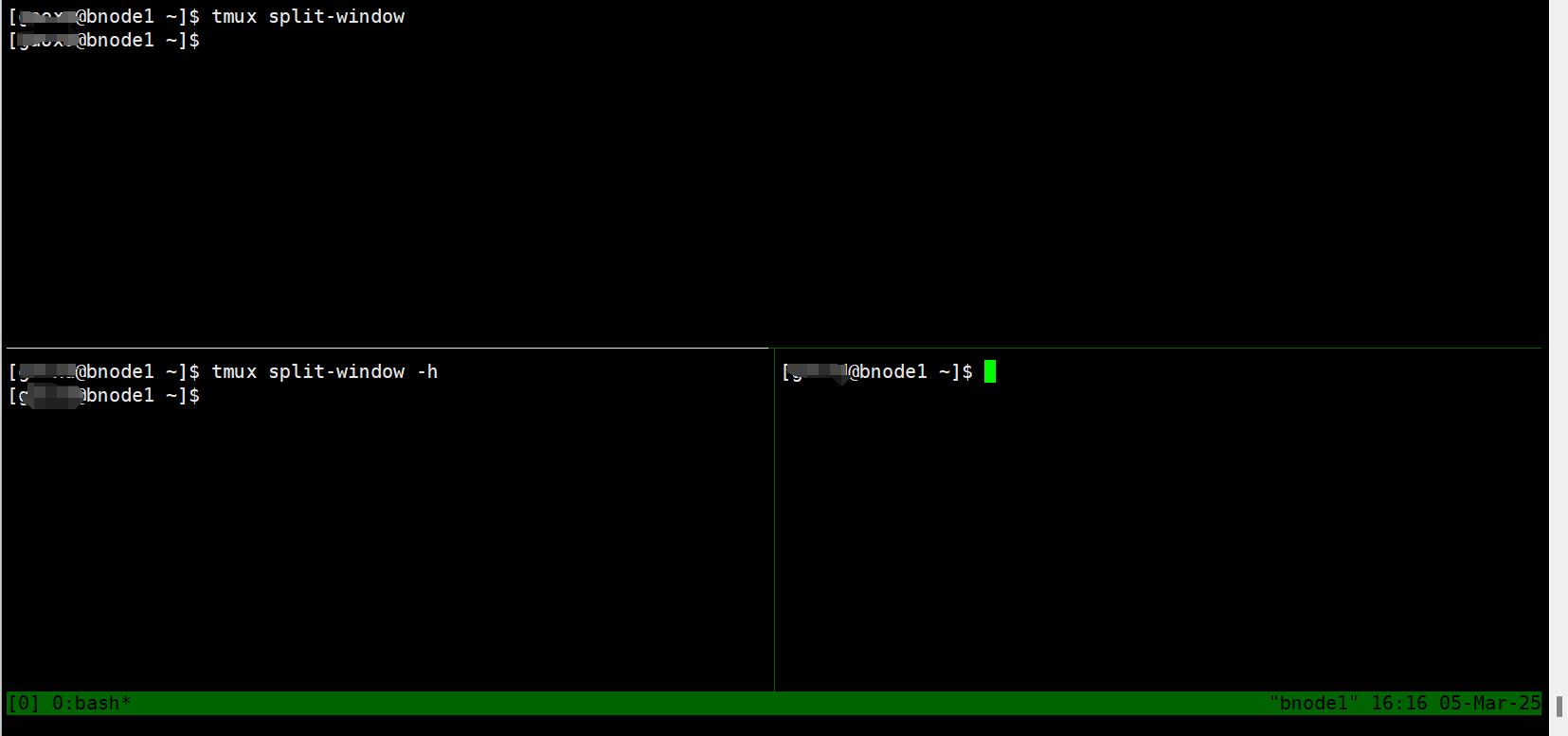
Detach while leaving the session running:
Ctrl+b, dOn reconnecting to the same node, list sessions:
tmux ls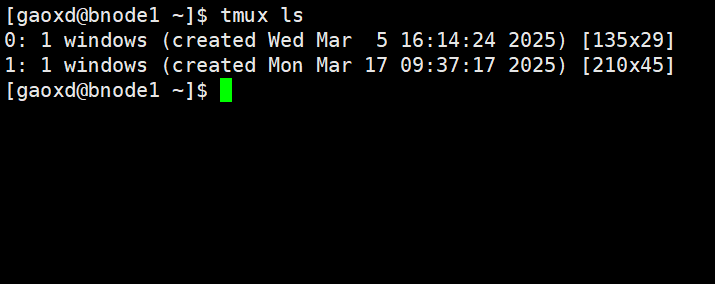
Reattach using a session ID or name:
tmux attach -t 1tmux a -t 1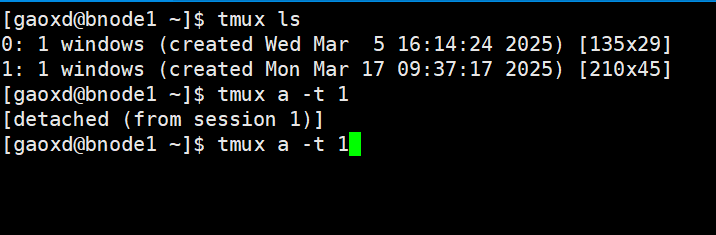
Named sessions and logs
Choose distinct names for different tasks:
tmux new -s train
tmux new -s build
tmux new -s analysisReconnect by name:
tmux a -t trainFollow a job log:
tail -f job.outDetach with Ctrl+b, d, then return later with tmux ls and tmux a -t NAME.
Troubleshooting and exit
Sessions survive a local SSH disconnect only while the remote node and session remain active. If a session is missing, check that you returned to the node on which it was created. For a temporary departure, detach; to close the shell/pane, enter:
exitOr end an entire session from another shell (replace the Chinese placeholder with its name or ID):
tmux kill-session -t <会话名或编号>