
Boltz-2 on the cluster
Boltz-2 supports protein structure prediction, protein–ligand modeling, and binding-affinity assessment. The CHESS application accepts YAML or FASTA inputs and schedules GPU work without requiring a handwritten Slurm script.
Prepare inputs
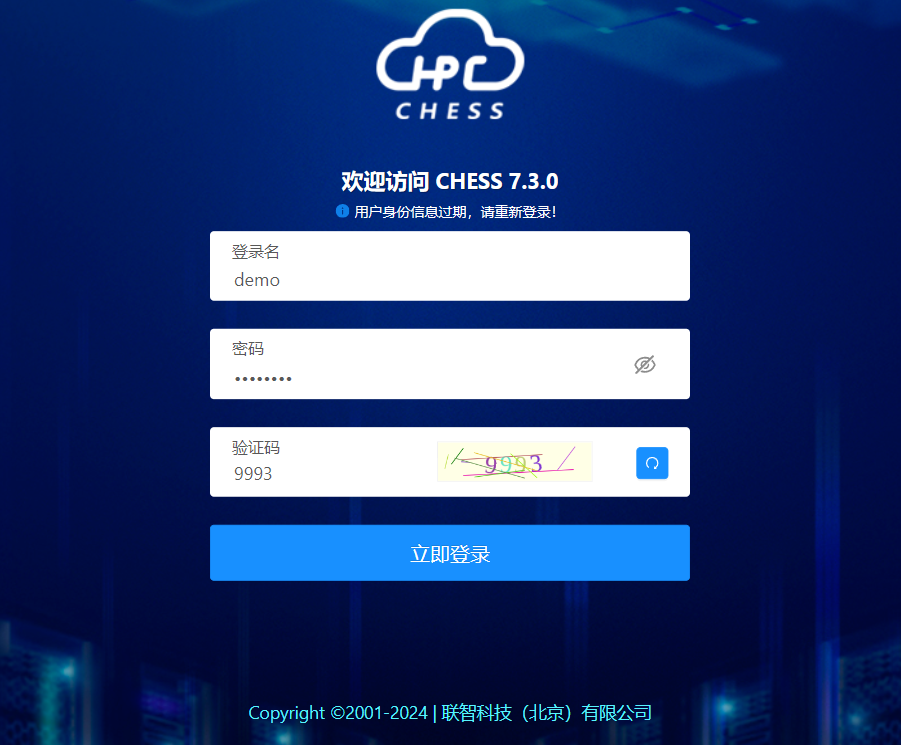
Sign in to CHESS:
Use .yaml for richer descriptions including ligands and constraints, .fasta for sequence-only prediction, or a directory containing multiple inputs. Suggested input and output locations (用户名 means your username):
/hpcfs/fhome/用户名/boltz2/input//hpcfs/fhome/用户名/boltz2/output/Submit through CHESS
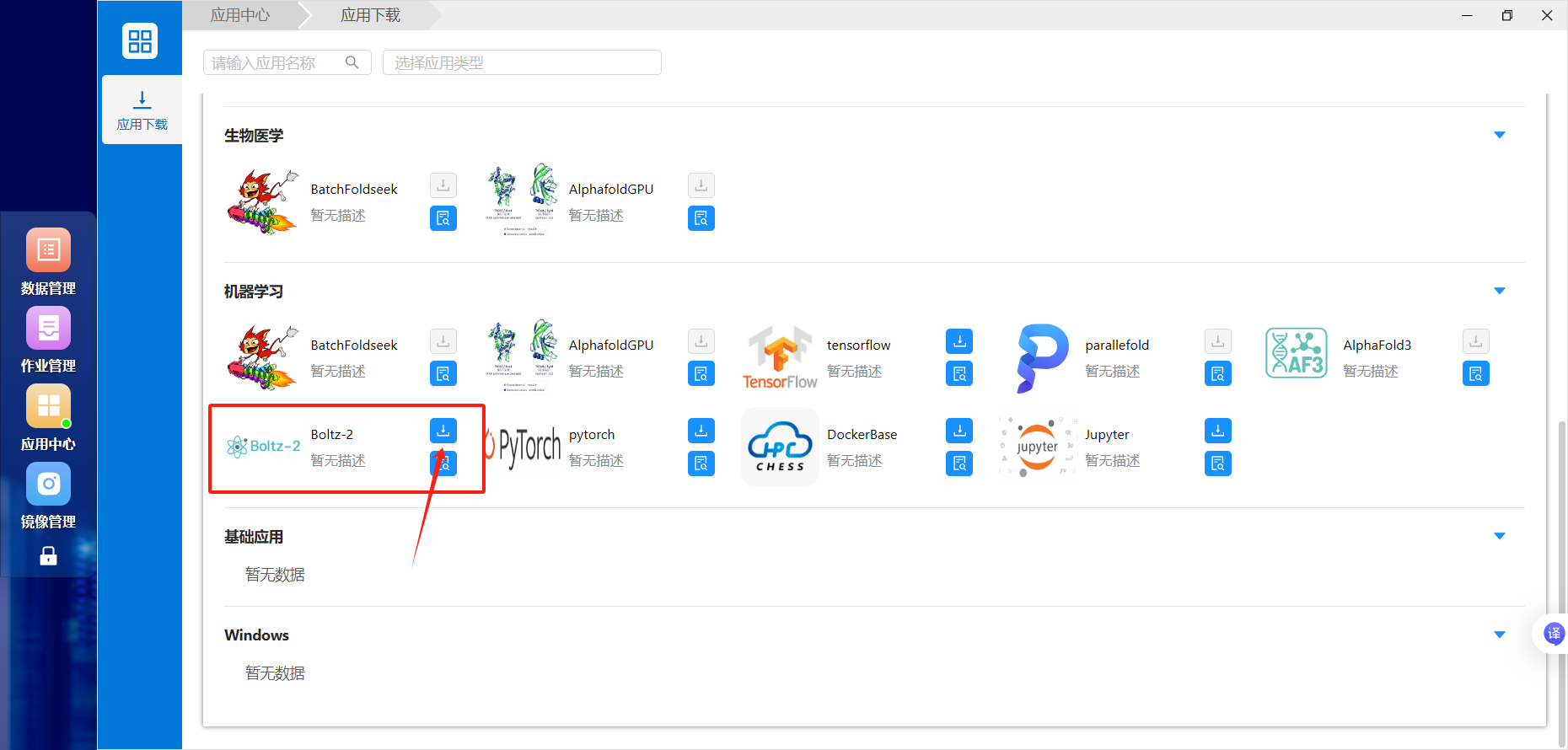
Find Boltz-2 in Application Center (应用中心) and add it to the desktop:

Open the application and fill in the input and output paths:
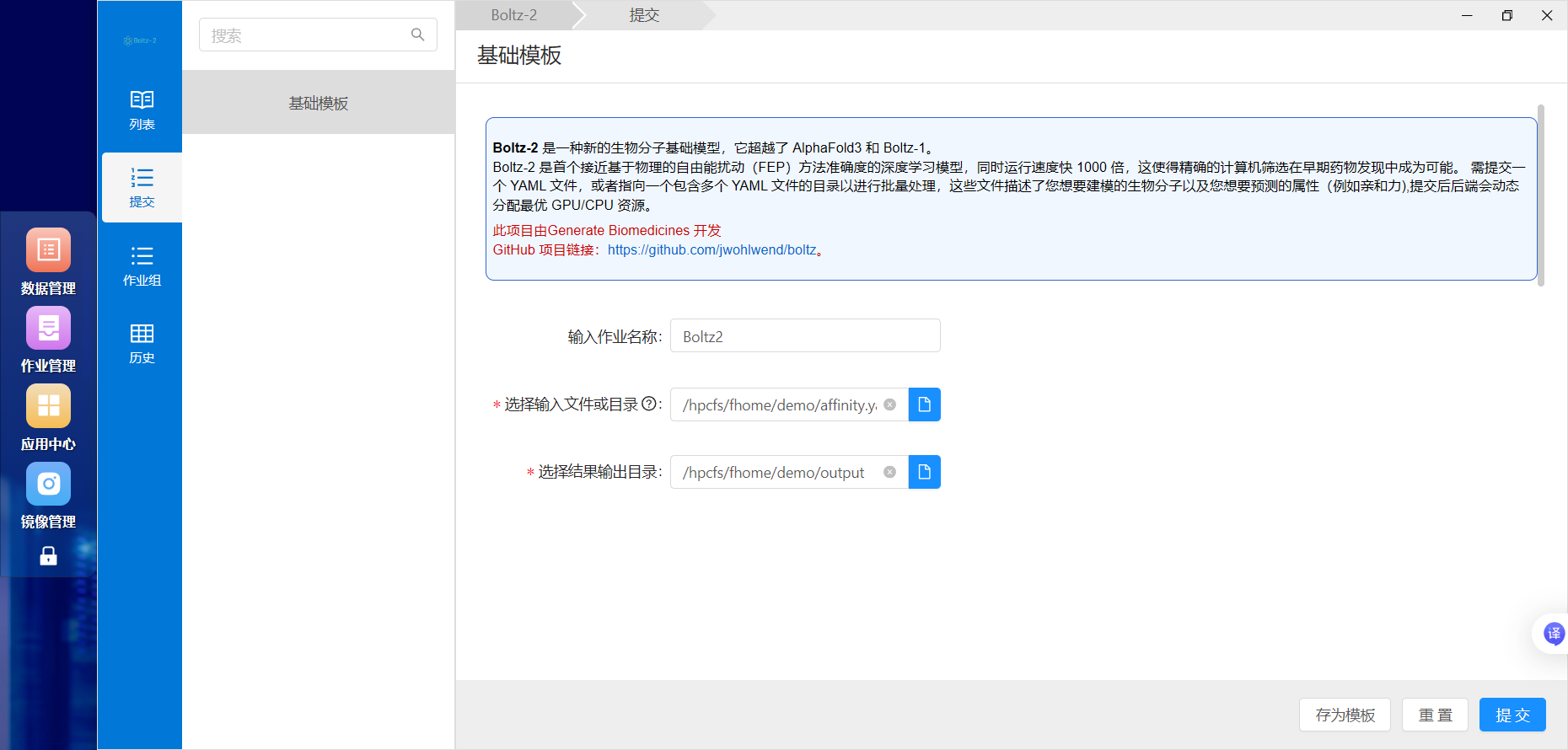
For “single file,” select an actual YAML/FASTA file; for “directory,” select the folder containing the inputs. Ensure that outputs are writable and use a separate directory for each batch.
View the job ID, state, and progress in Job Management (作业管理):
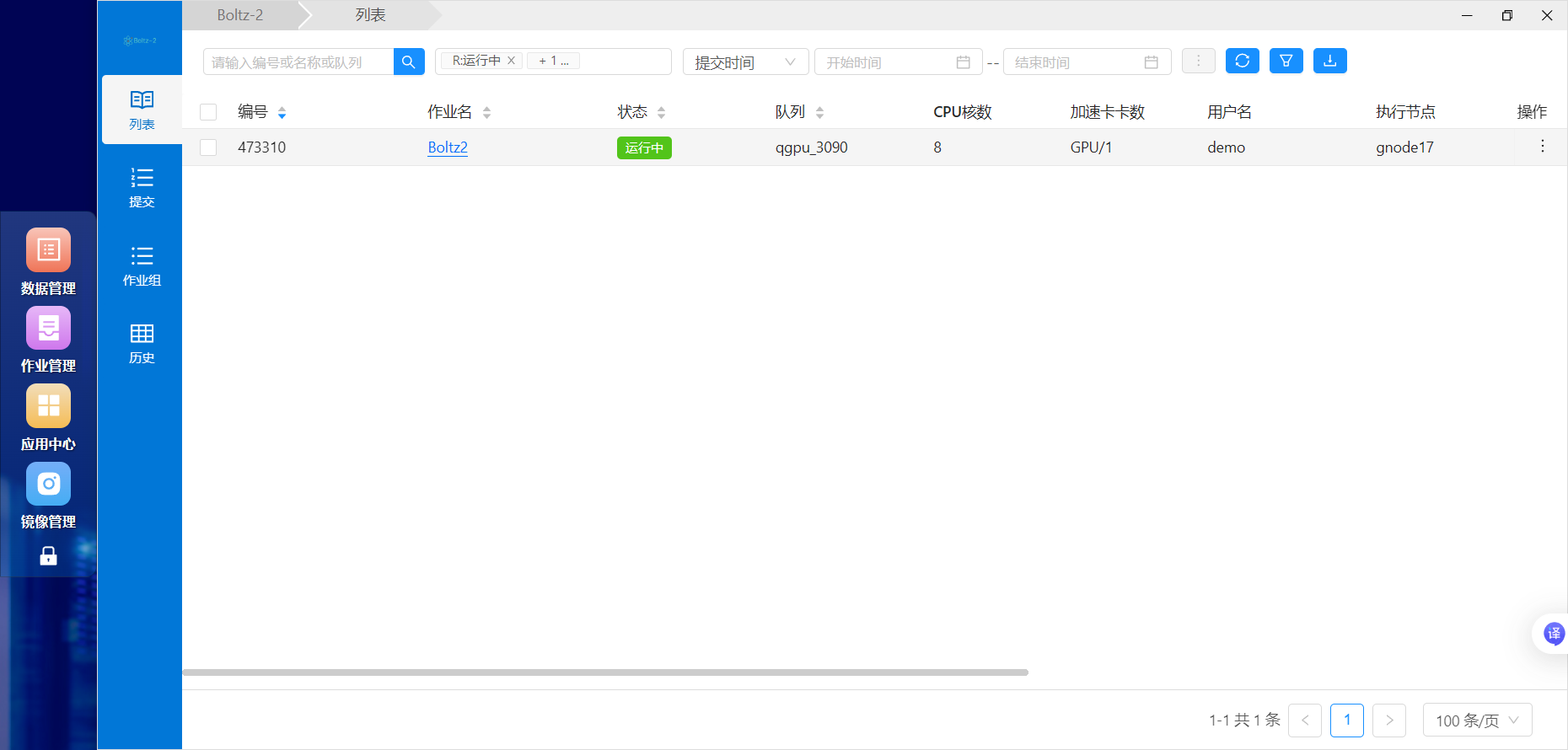
Open job details for standard output, errors, and logs:
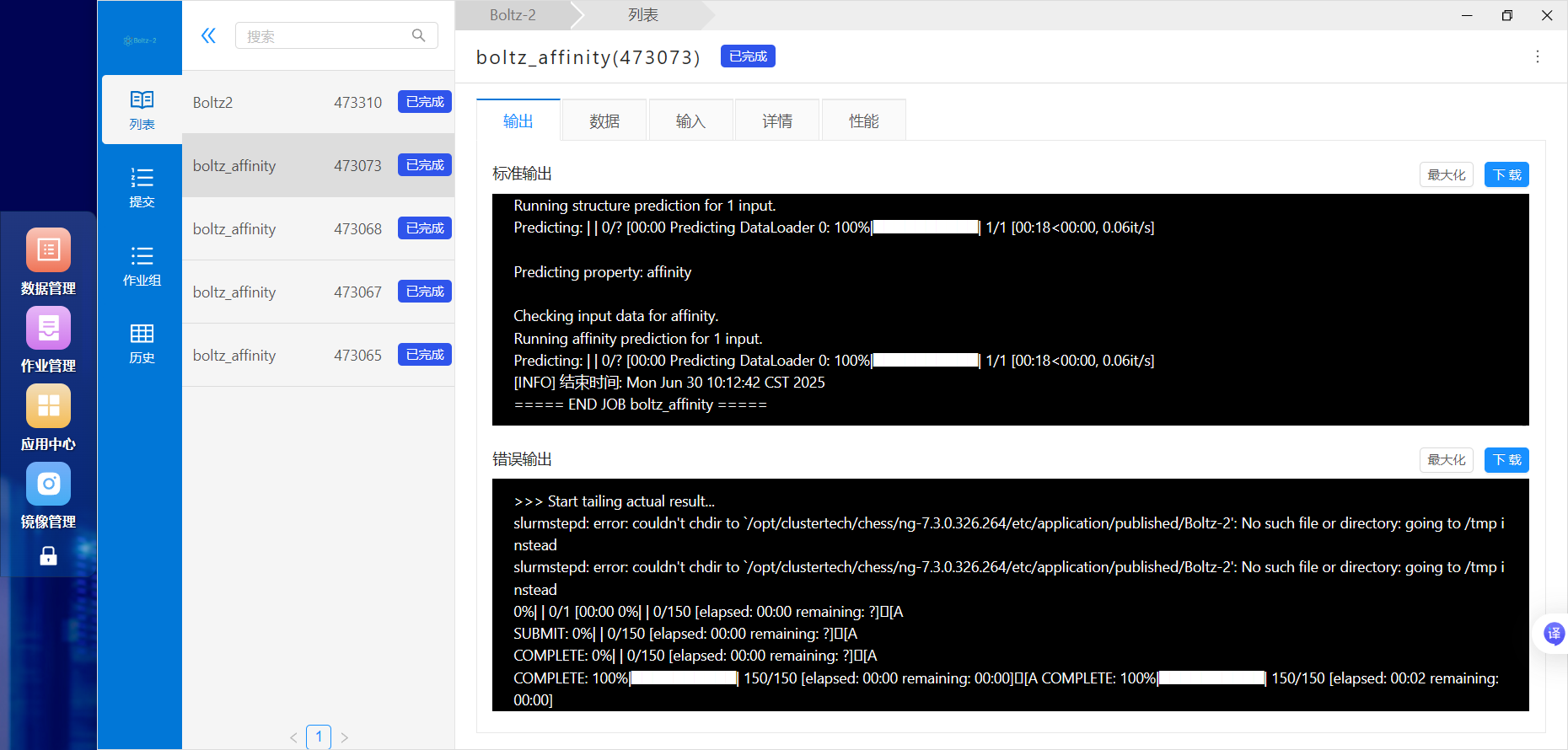
Demonstration:

Results and troubleshooting
Results are written to the chosen output directory and may include predicted structures, logs, scores/confidence files, and per-input subdirectories. If output is empty or the job fails, inspect its logs first.
Pending jobs may be waiting for GPU resources. For missing inputs, verify the full cluster path and read permission. For output errors, verify ownership or write permission; ask the administrator to configure shared-directory access. Use a distinct output directory for every batch, for example:
/hpcfs/fhome/用户名/boltz2/output/20260720_test/