
Data sharing
The platform provides public database mirrors and, with explicit authorization, shared directories for research groups or project collaborators.
Public data mirrors
Open https://mirrors.tibhpc.net/ from the institute network or through an authorized internal-network connection. The corresponding cluster directory is:
/hpcfs/fpublic/database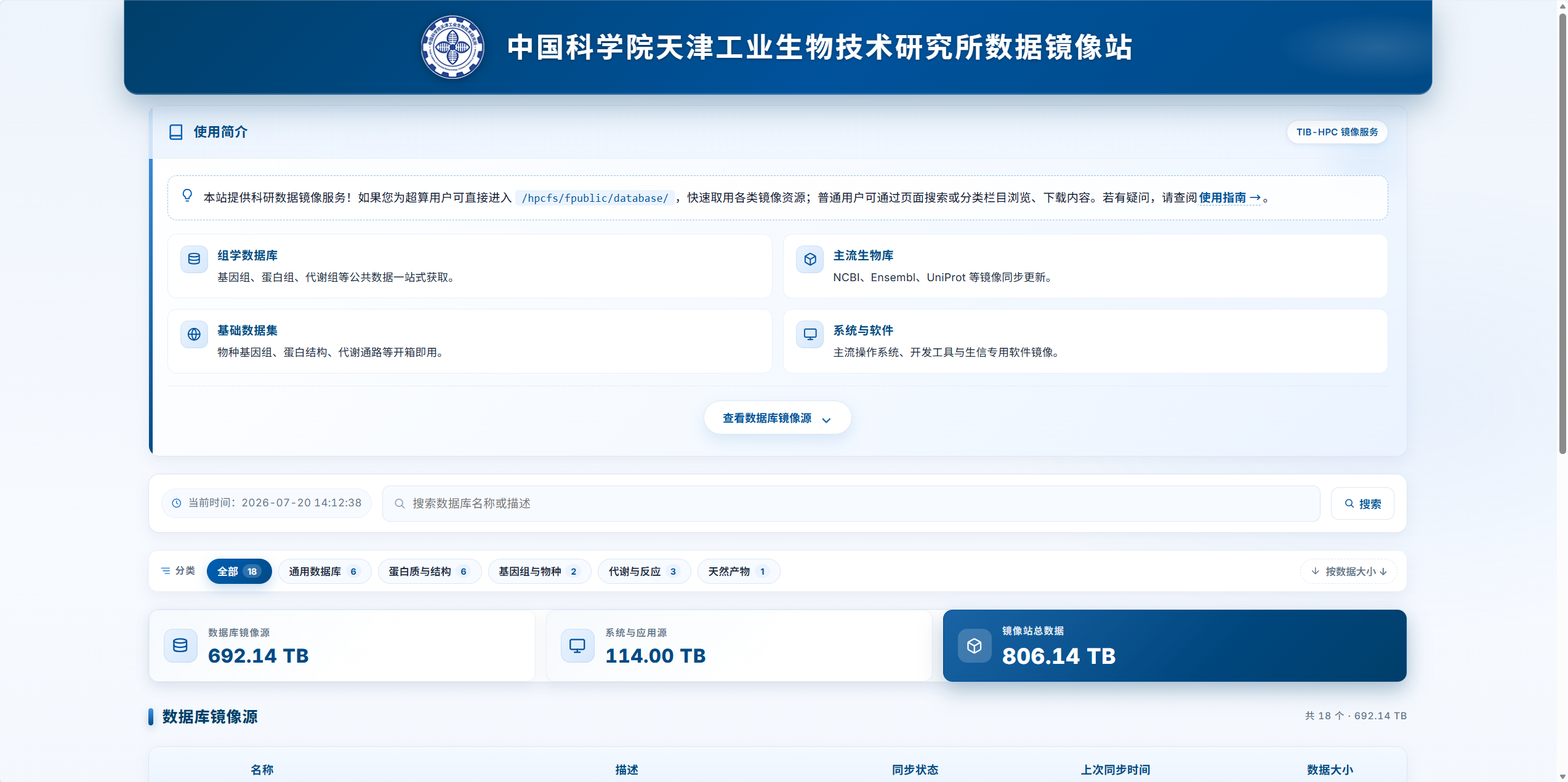
The mirror site supports browsing and searching synchronized resources, including genomics, proteomics, and metabolomics databases; NCBI, Ensembl, and UniProt mirrors; reference genomes, protein structures, and metabolic pathways; and selected operating-system, development-tool, and bioinformatics software mirrors.
Check existing mirrors before downloading duplicate datasets or reference files.
Isolation between users
Users can access only files and directories for which they have permission. Other users' data cannot normally be read or modified. This protects against accidental deletion, modification, and unauthorized access.
Shared project directories
Ask the administrator to configure ACL permissions when multiple users need access to experimental data, inputs, reference databases, or results. Read-only and read/write access can be granted to named users.
| Information to provide | Example |
|---|---|
| Directory | /hpctmp/project/example |
| Authorized users | user01, user02 |
| Access level | Read-only or read/write |
| Purpose | Project collaboration or shared reference data |
| Duration | Ongoing or a specified end date |
After approval, users can access the directory according to the assigned permissions.
Good practice
Keep collaboration data in an agreed directory with a named owner responsible for its structure and versions. Revoke access when sharing is no longer needed. Confirm the permitted use and sharing scope of sensitive or unpublished data. Contact the administrator for shared-directory requests or help locating public data.