
Visual Studio Code
Use the Remote - SSH extension to edit and debug on login nodes or allocated compute nodes. Allocate compute resources before running substantial calculations.
Install Remote - SSH
Open the local VS Code Extensions view and install Remote - SSH.
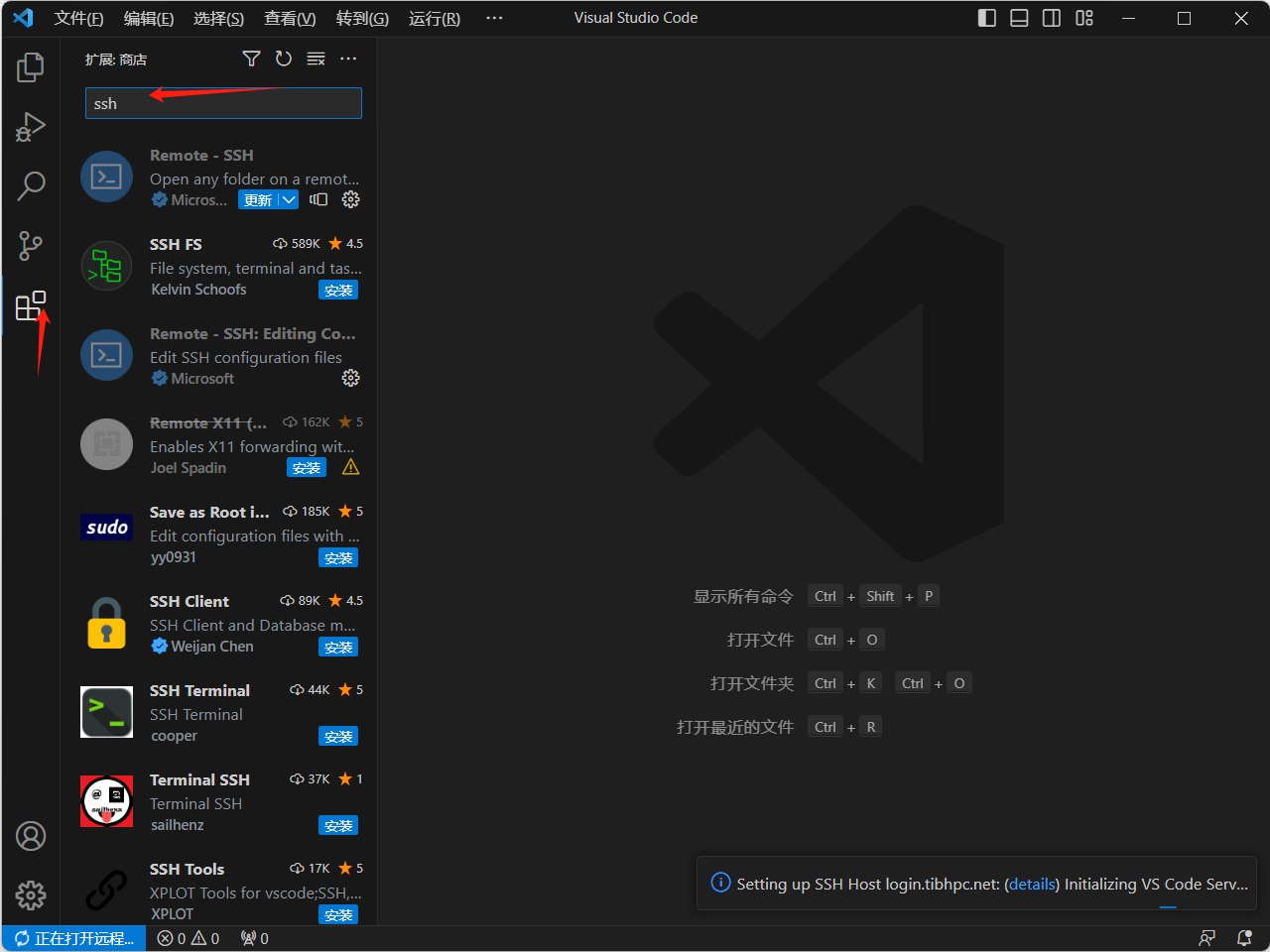
Add a host
Add a new SSH host:
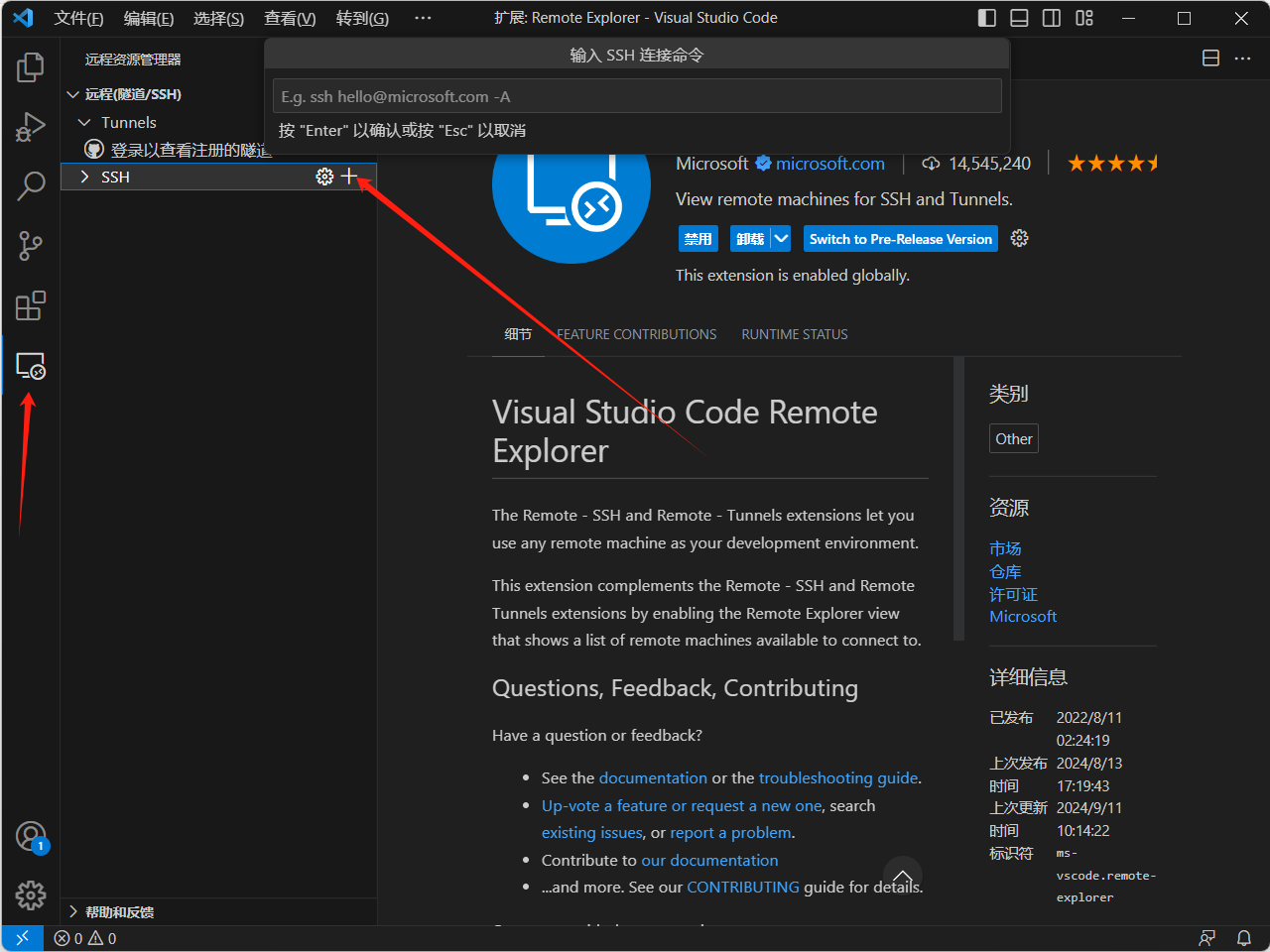
Replace 用户名 with your username:
ssh 用户名@login.tibhpc.netConnect and authenticate:
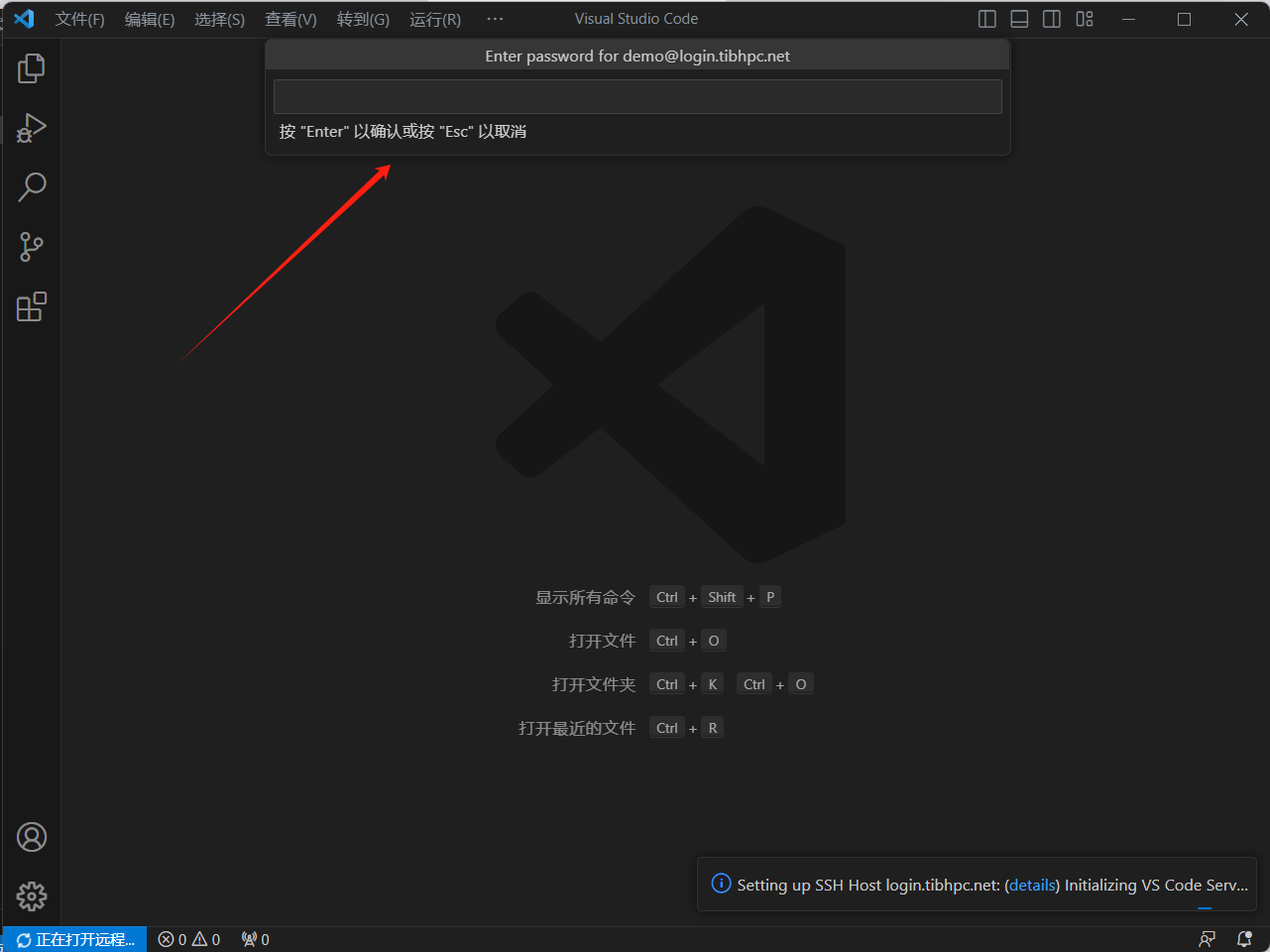
Connect to a compute node
First request resources from a login node:
salloc -N 1 --cpus-per-task=8 --mem=16G -t 02:00:00 -p qcpu_18iWait for allocation, then connect to the assigned node; this example uses bnode1:
ssh 用户名@bnode1You generally cannot SSH to a compute node unless you have an allocation on that node. Your local network must also be able to reach it.
Open and debug a project
Open your home or project directory in the remote window:
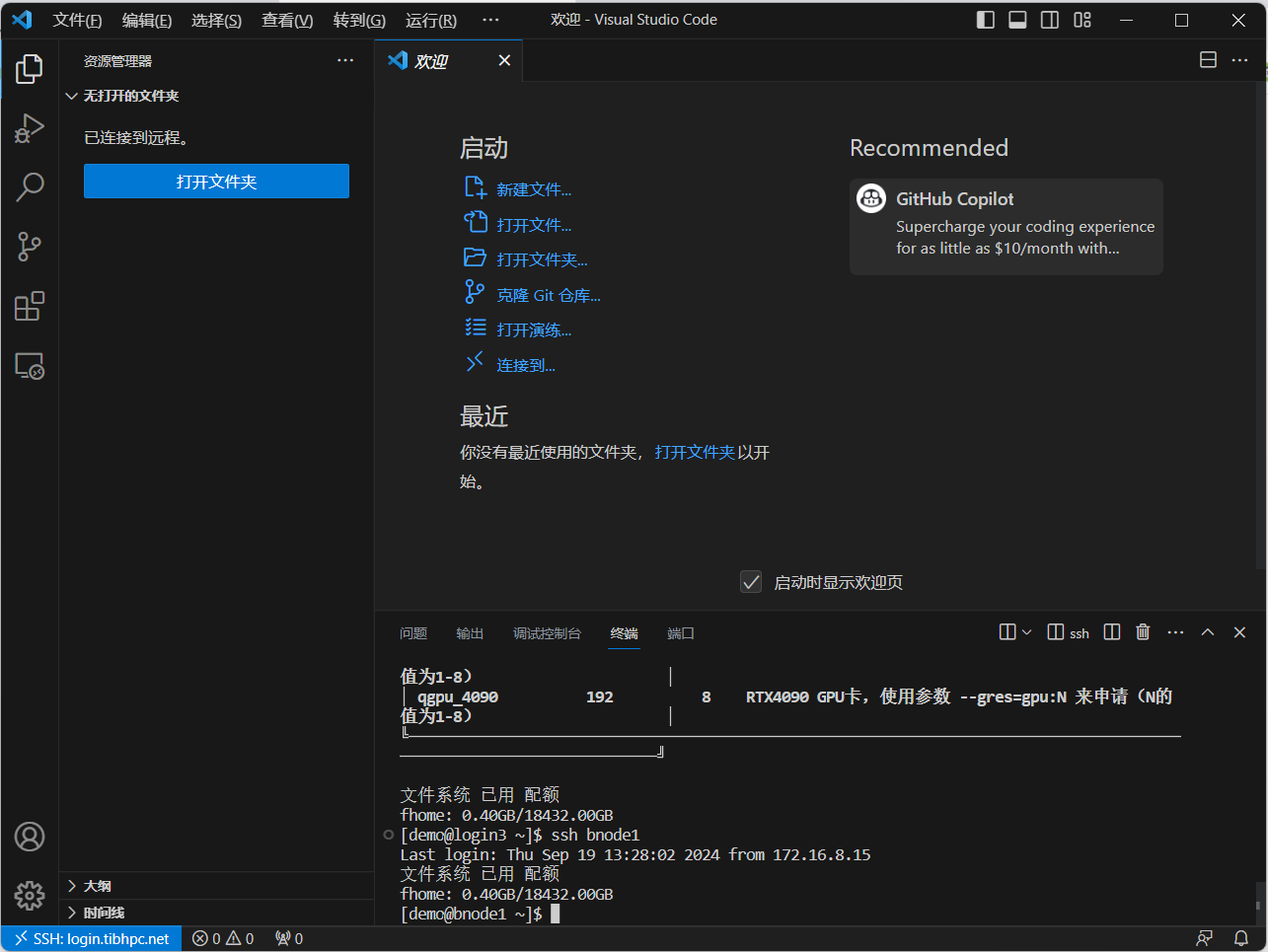
Select the appropriate Python environment or notebook kernel:
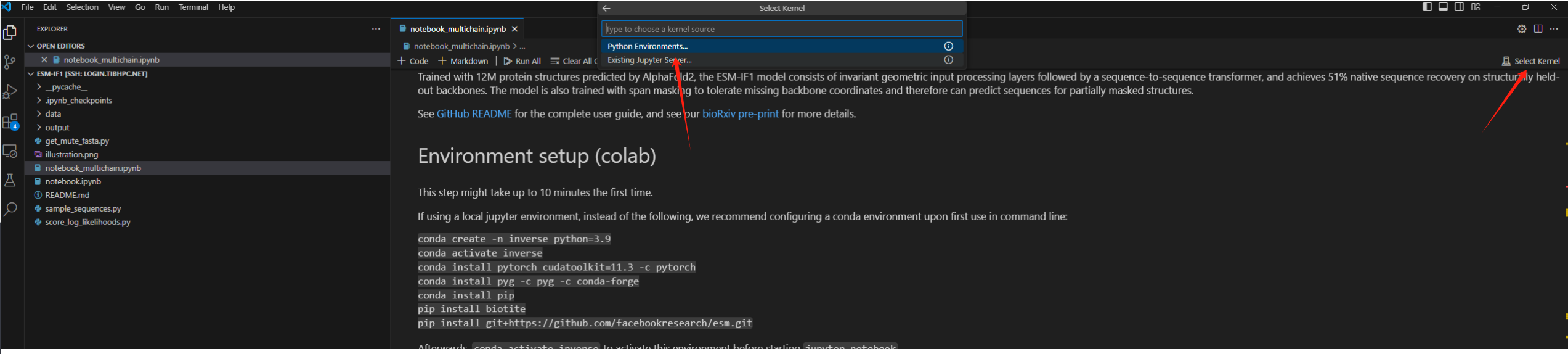
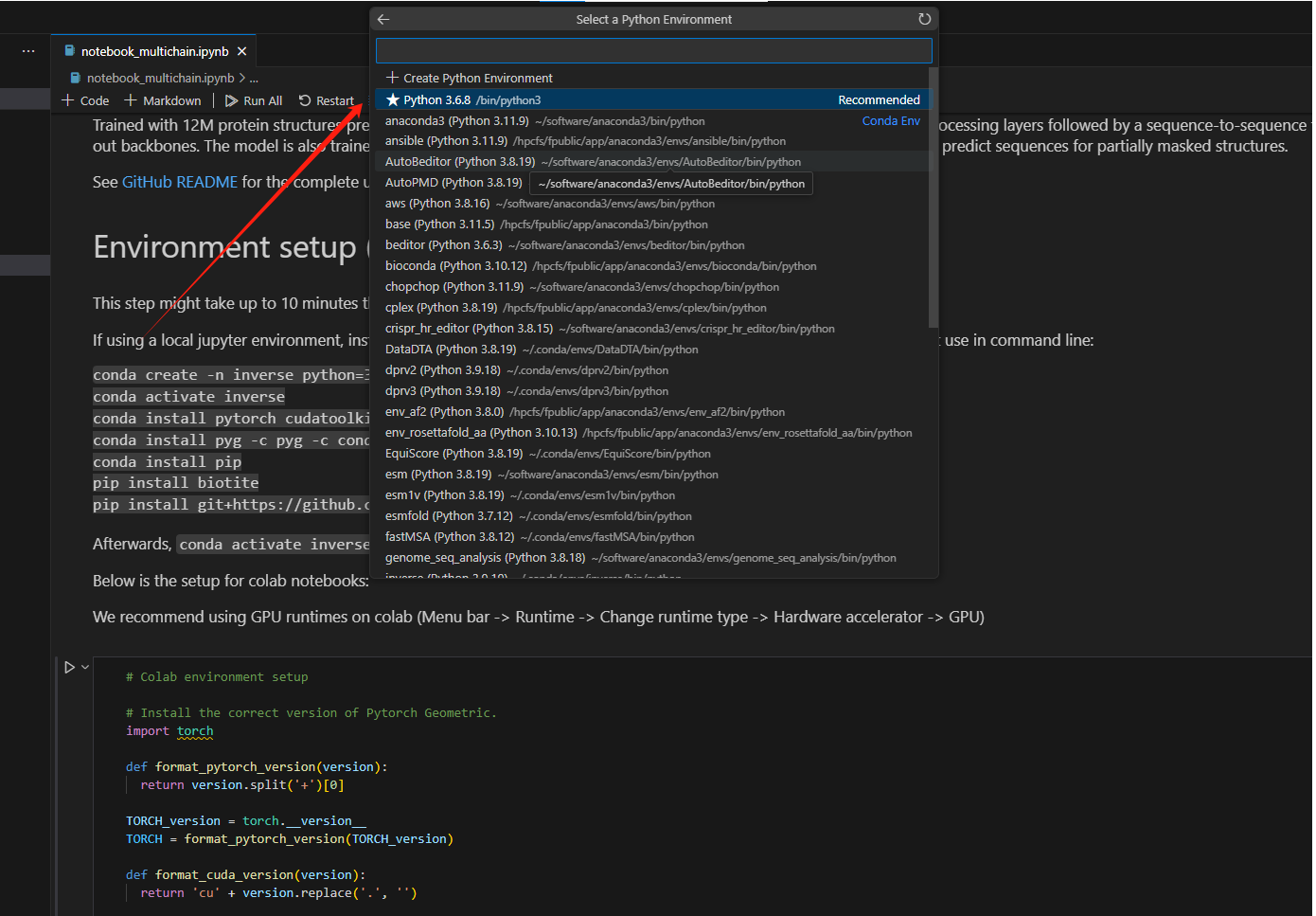
Use sbatch for long production jobs and salloc for interactive debugging. Close the remote connection and release Slurm resources when finished. Do not run sustained high-load computations on login nodes.